CFWYI EBS Updating Grantee Profile (DOCX)
Grantee Profile
You only need to complete one profile per agency, regardless of the number and type of grants for which you are applying or have been awarded.
To create or update your profile, click on the “Grantee Profile” tile:
-
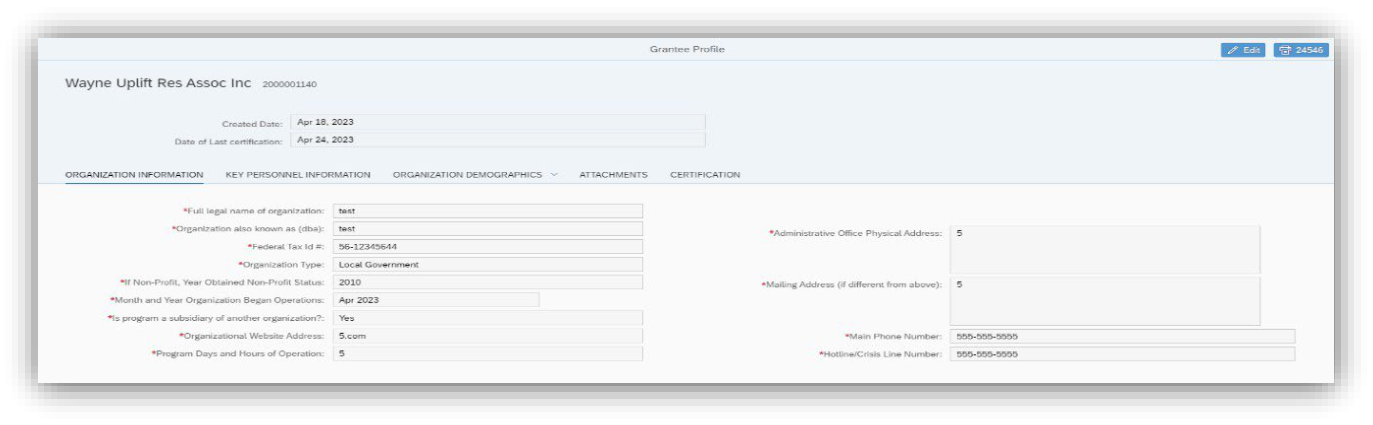
Organization Information: This section requests basic information about your organization.
-
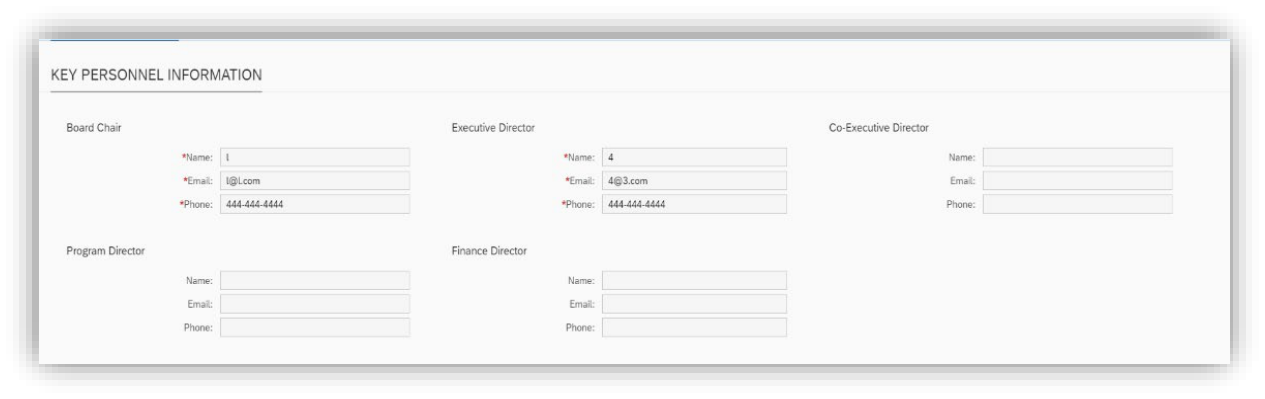
Key Personnel Information: Please make sure the names and contact information you enter in this section are correct because we will ultimately use them to create and execute contracts for organizations deemed eligible.
-
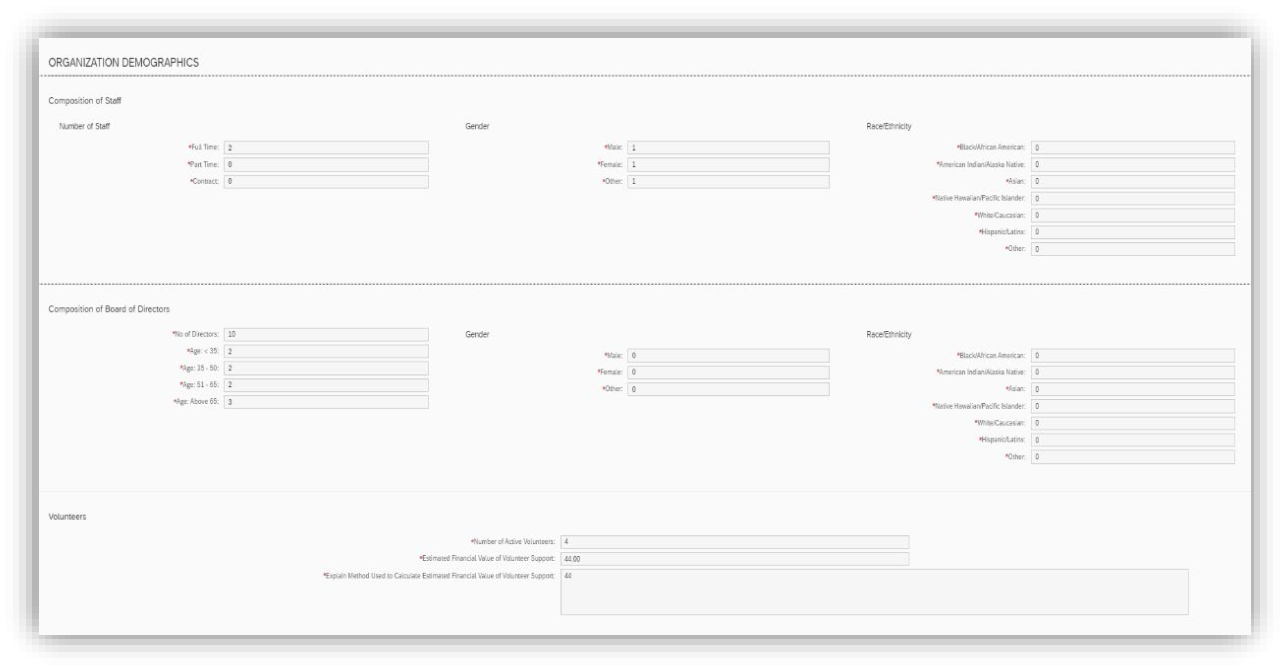
Organization Demographics: This section asks for some basic aggregate data about your staff and board.
-
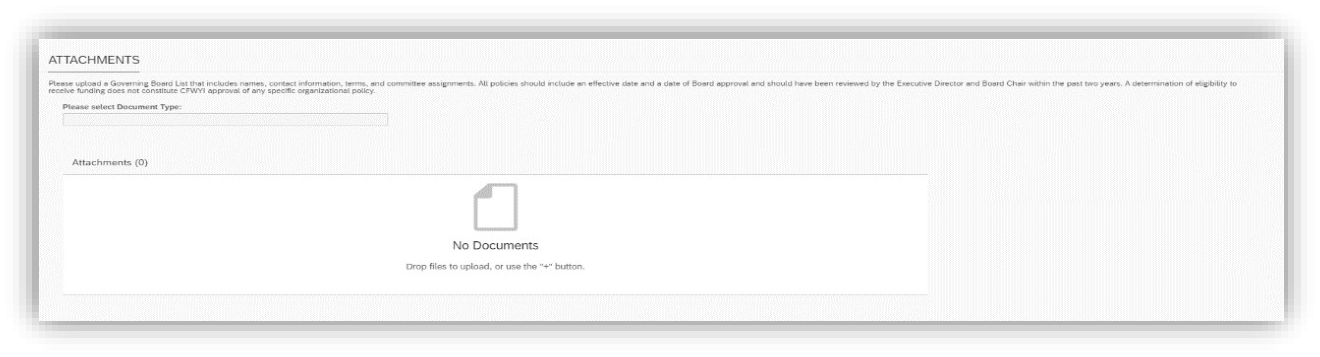
Attachments: This is the place for you to upload your required organizational documents and policies, including your board list, strategic plan, sustainability plan, conflict of interest policy, confidentiality policy, non-discrimination policy, organizational code of conduct, internal controls policy, recordkeeping policy, whistleblower policy, and confirmation of 501(c)(3) status.
-
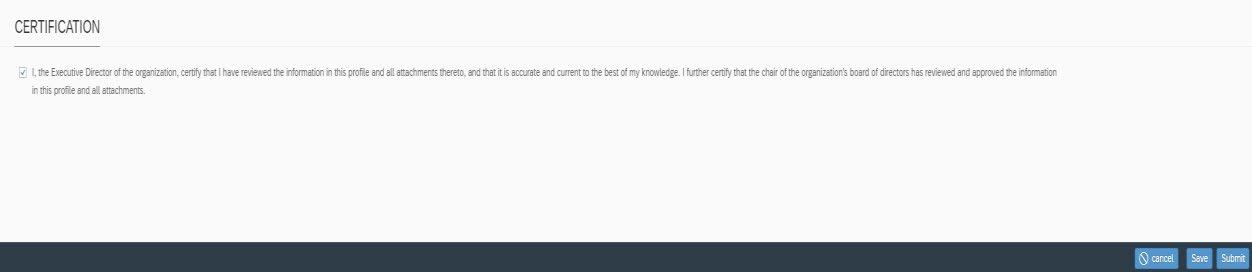
Certification: This is where you will certify that all profile information is accurate and current, which you will be asked to do on an annual basis. Once you hit “submit,” the system will enter the current date as the “Date of Last Certification” at the top of the screen.